
10 Best AI Tools for LinkedIn Content 2026

LinkedIn in 2026 is tougher than ever. With organic reach down by 50% and engagement crucial in the first 60 minutes, standing out requires smarter tools. AI tools have stepped up to help professionals create better content faster, saving up to 80% of their time while maintaining quality.
Here’s a quick look at the top AI tools reshaping LinkedIn strategies this year:
- Brandbase: Automates lead generation, messaging, and personal branding with SEO blogs and PR placements.
- Post Planner: Generates captions and hashtags to save time and boost visibility.
- Taplio: Builds viral LinkedIn posts using insights from millions of top-performing posts.
- AuthoredUp: Enhances LinkedIn formatting with bold text, bullet points, and mobile previews.
- ChatGPT: Assists with ideation, drafts, and hooks tailored to your voice.
- OpusClip: Converts long videos into short, engaging LinkedIn clips.
- Jasper: Ensures consistent, high-quality content with brand-specific AI tools.
- ContentStudio: Finds trending topics and automates LinkedIn scheduling.
- Shield Analytics: Tracks post performance and engagement trends over time.
- HeyGen: Creates AI-driven video avatars for efficient, scalable video content.
These tools help users create, optimize, and track LinkedIn content to maximize engagement and visibility in a competitive platform landscape. Whether you're crafting posts, editing videos, or tracking performance, there's an AI tool for you.

AI Tools for LinkedIn Content 2026: Features, Pricing & Use Cases Comparison
The Ultimate AI LinkedIn Content Creation Tool Stack for 2026 (My entire content workflow)
sbb-itb-f7e72a6
1. Brandbase
Brandbase creates a professional branding ecosystem tailored to your needs. It captures your voice through interviews and transforms it into custom landing pages, AI-powered lead qualification, and personalized LinkedIn outreach campaigns. Everything works together seamlessly to enhance your online presence and streamline engagement.
Key Features for LinkedIn Content Curation
Central to Brandbase's LinkedIn strategy is Cora AI, an assistant designed to handle repetitive messaging tasks. Instead of spending hours responding to the same direct messages, Cora AI steps in to automate these interactions, freeing you up to focus on closing deals. Beyond that, the platform supports your LinkedIn strategy with up to nine SEO blog posts per month (available on the Pro plan) and arranges media placements to build trust and authority within your network.
Pricing Plans
Brandbase offers a one-time setup fee of $499, followed by three subscription tiers:
- Starter ($18/month): Includes a landing page transfer but no ongoing support.
- Essential ($99/month): Adds features like Cora AI, hosting, maintenance, unlimited edits, and one PR placement every six months.
- Pro ($499/month): Unlocks unlimited landing pages, active LinkedIn lead generation, six bi-monthly PR placements, and nine monthly SEO blog posts.
Use Cases on LinkedIn
Brandbase is especially popular among service professionals like coaches and consultants. They use the platform to grow their LinkedIn presence without increasing their workload. Media placements and blog content often serve as conversation starters, while Cora AI manages initial lead qualification, making the process efficient and scalable.
Keep reading to uncover more AI tools that can elevate your LinkedIn strategy.
2. Post Planner Caption and Hashtag Generator
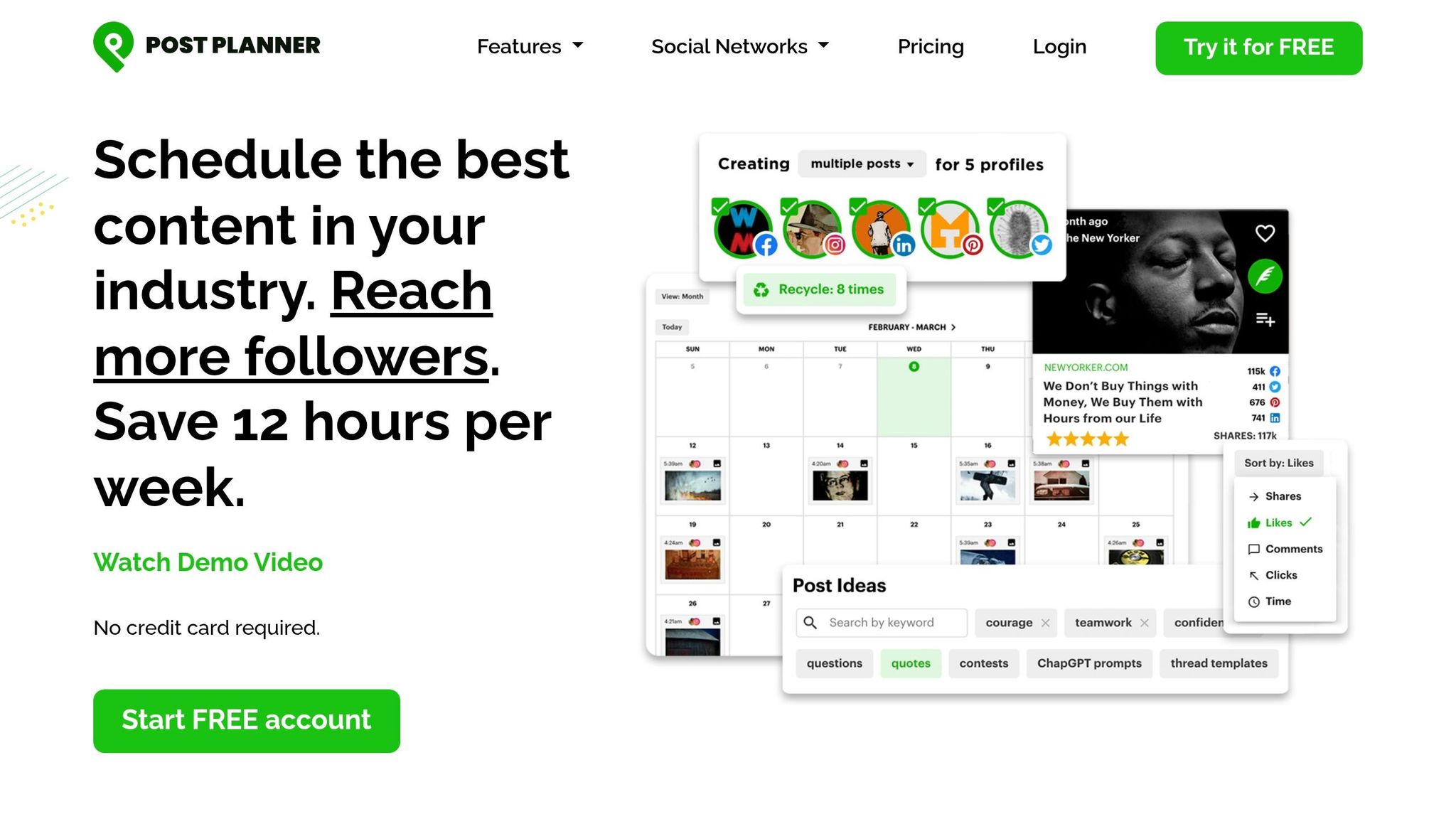
Post Planner simplifies the process of creating LinkedIn content by generating multiple caption ideas and targeted hashtags from just one core concept. Whether you're aiming for catchy hooks or storytelling-style intros, this tool helps refine your message and expand your reach.
Key Features for LinkedIn Content Curation
The Caption and Hashtag Generator is seamlessly integrated with Post Planner's content calendar, making it easy to go from brainstorming to scheduling in one platform. You can adjust the suggestions to align with your brand's tone, choosing from several options. The tool uses a credit system, where 2–3 credits are spent per word, with daily limits determined by your subscription plan.
"Post Planner's Caption and Hashtag Generator helps you instantly write attention-grabbing captions and discover hashtags that maximize your reach."
- Jacob Statler, Content Creator, Post Planner [4]
Pricing Plans
Post Planner offers four subscription options, all billed annually. Here's the breakdown:
- Free Plan: 100 daily AI credits
- Starter Plan: $7/month with 1,000 daily credits
- Growth Plan: $37/month with 20,000 daily credits
- Business Plan: $57/month with 40,000 daily credits
Each paid plan includes a 7-day free trial, and no credit card is required to sign up. These plans allow professionals to choose the best option for their content creation needs.
Use Cases on LinkedIn
Post Planner is a go-to tool for service professionals looking to save time and improve consistency in their LinkedIn content. For example, in July 2025, Dustin Peyser shared that he saved 10 hours weekly on LinkedIn content creation by using the platform’s AI-powered generator [4]. While it’s ideal for crafting short captions, users may need to manually expand the content for longer LinkedIn articles.
3. Taplio LinkedIn-Specific AI Generator
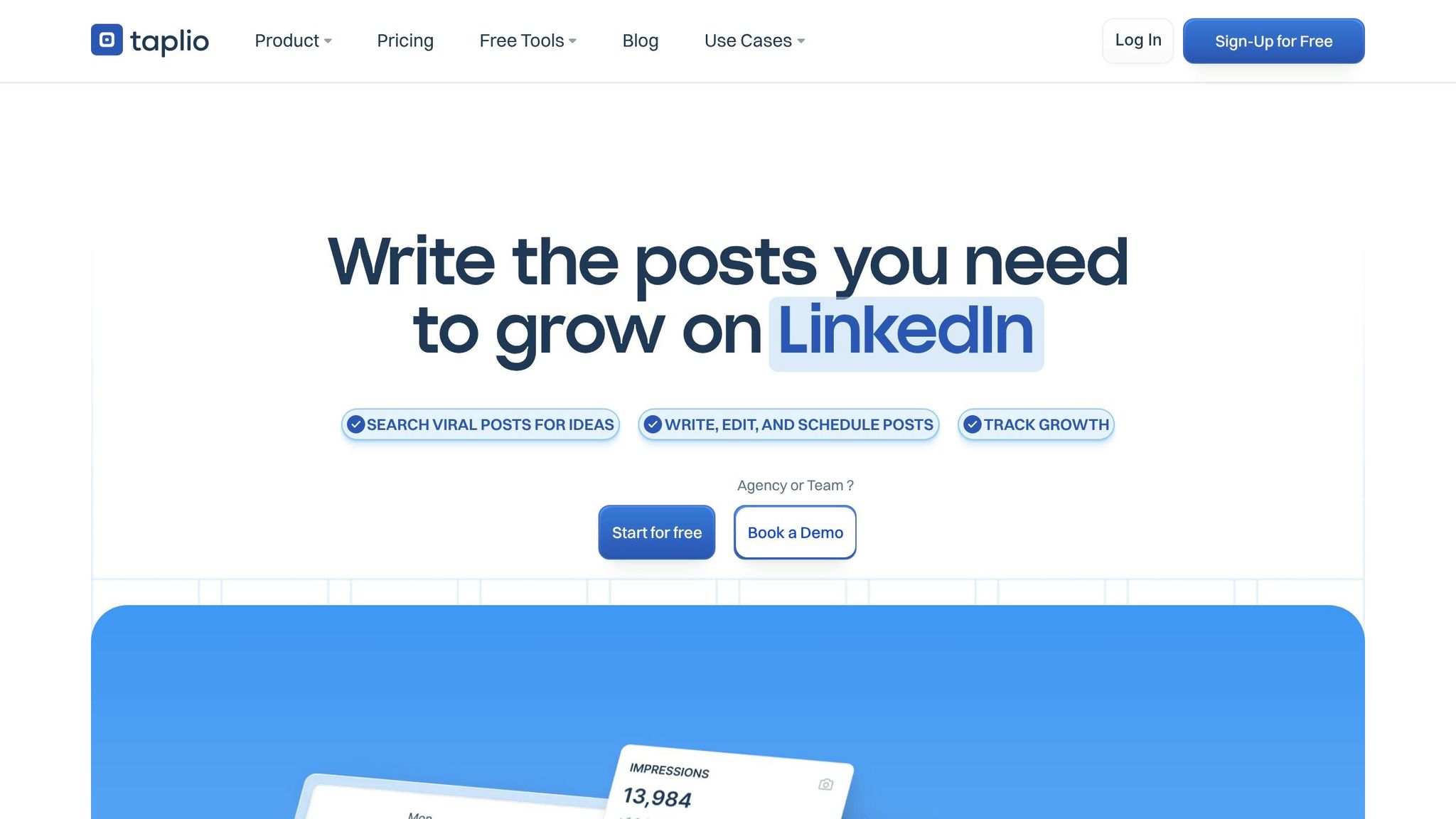
Taplio is tailored specifically for LinkedIn, leveraging insights from 500 million top-performing posts. It’s designed to handle LinkedIn’s unique formatting, character restrictions, and engagement trends, offering a streamlined way to maintain a steady presence on the platform [5][9].
Key Features for LinkedIn Content Curation
Taplio goes beyond basic AI writing with tools that cater directly to LinkedIn users. One standout is the Viral Post Library, which provides access to 4–5 million successful LinkedIn posts. This library can be filtered by niche, topic, or industry, making it a great resource for inspiration [2][9]. Another helpful feature, "Generated For You", offers a daily list of personalized, long-form post ideas tailored to your profile and industry [6][7].
You can also repurpose content from other formats - like YouTube videos, blog posts, or web links - into LinkedIn-ready posts or carousels [6][9]. The Taplio X Chrome Extension enhances your browsing experience by identifying high-performing content and influential profiles directly on LinkedIn [5][7]. For refining posts or brainstorming ideas, the AI ChatAssist tool is particularly useful [6]. Additionally, the Industry News Feed keeps you updated with real-time headlines, ensuring your content stays relevant and timely [7].
"Taplio helps me stay inspired and schedule my LinkedIn posts. It's the most complete solution in the market for anyone looking to grow on LinkedIn."
- Justin Welsh, Content Creator [6]
Pricing Plans
Taplio offers three subscription options to suit different needs. The Starter plan is priced at $39/month but does not include AI credits, which limits its functionality for content generation [9][10]. The Growth plan, at $65/month (or $52/month when billed annually), includes 250 AI credits. This is ideal for users who post frequently, as it supports around three posts per day for 8–12 days [10]. For those requiring more, the Pro plan costs $199/month (or $149/month billed annually) and includes unlimited AI credits. It also provides access to a database of over 3 million enriched LinkedIn contacts [7][9][10]. All plans come with a 7-day trial offering full Pro-level access [5].
Use Cases on LinkedIn
Taplio is a great fit for professionals aiming to create content in bulk. Using its batch generation tools, users can craft up to 30 posts in just two hours. Carousel posts, in particular, are effective for increasing engagement by encouraging longer viewing times [1][8]. However, some users have noted that AI-generated content can feel impersonal and often needs manual edits to align with their voice [7][9]. Additionally, there have been reports of LinkedIn account warnings tied to Taplio’s automation features and cookie-based authentication methods [7][9].
4. AuthoredUp LinkedIn Text Editor
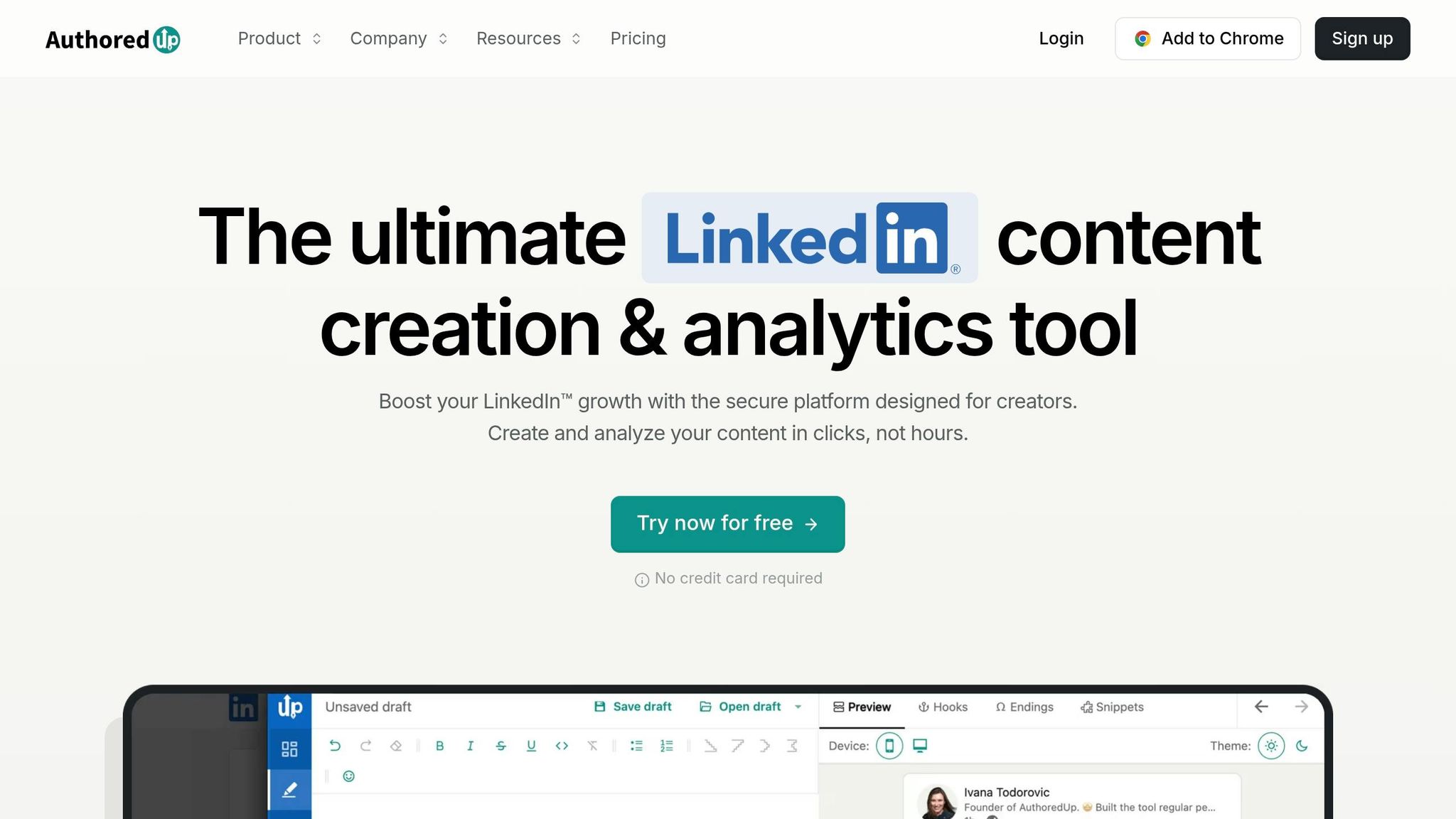
AuthoredUp is a Chrome extension designed to help writers create polished LinkedIn content with advanced formatting and optimization tools. It integrates seamlessly with LinkedIn, offering features like bold text, italics, and bullet points. Trusted by over 2,000 companies and individuals, AuthoredUp has become a go-to tool for refining LinkedIn posts [11].
Key Features for LinkedIn Content Curation
The Rich Text Editor goes beyond LinkedIn's basic formatting options, allowing users to create professional-looking posts. It includes a library of over 150 hooks and 100 CTAs, along with a readability checker to craft concise, engaging content [11]. Real-time previews let you see exactly how your post will appear across desktop, tablet, and mobile devices [11].
The Saved Posts Management feature organizes all your saved LinkedIn posts, making it easy to filter by keywords or authors. You can even export this data to a CSV file for deeper analysis. This system simplifies content repurposing, supported by tools like the Snippet Library, which stores commonly used text blocks for quick access. Additionally, the draft collaboration feature enables team members to co-edit content on a shared dashboard [11].
"AuthoredUp is the only LinkedIn Tool I use consistently, and it helps me filter past posts, identify content for immediate repurposing, and improve and preview post formatting before publishing." - Marvin Sanginés, Founder & CEO at Notus [11]
Pricing Plans
AuthoredUp offers plans tailored to different needs:
- Individual/Essential Plan: $19.95 per month, ideal for solo creators managing their own posts [12].
- Business Plan: $14.95 per profile per month (minimum of three profiles), suited for agencies handling multiple clients [11].
- Growth Plan: Custom pricing for organizations managing 10 or more profiles.
All plans include a 14-day free trial, and no credit card is required to get started [11].
Use Cases on LinkedIn
AuthoredUp is perfect for professionals seeking precise formatting and better content control without relying on automated tools. For example, Bojan Radojicic, CEO and Managing Partner, used the platform’s analytics to identify successful post patterns, growing his LinkedIn following to over 125,000 [11]. Similarly, Zdenek Dvora leveraged the tool’s hooks and formatting features to gain several hundred new followers, posting just once a week [11].
The platform is also GDPR compliant and avoids using browser cookies, reducing the risk of LinkedIn account issues often associated with automation tools [12][13]. However, note that AuthoredUp doesn’t include a scheduling feature, so posts must be published manually [12][13].
5. ChatGPT Content Assistant
In 2026, ChatGPT became a key tool for LinkedIn content creation. The platform provides GPT-5.2 Instant for free users and GPT-5.2 Thinking for Plus subscribers [2]. It simplifies the process of ideation, drafting, and refining content across various formats.
Key Features for LinkedIn Content Curation
One standout feature is Custom GPTs, which lets you create reusable assistants tailored to your brand's voice and style [15]. This means you can build a personalized LinkedIn coach that remembers your preferences for tone and formatting. The multimodal capabilities - like DALL-E 4 for generating images and Advanced Voice for brainstorming - help elevate your posts [2].
ChatGPT also supports prompt chaining, enabling multi-step workflows to efficiently summarize, repurpose, hashtag, and polish content [15]. It provides suggestions for hooks, metaphors, and frameworks to craft attention-grabbing openings [14]. However, it doesn’t offer native LinkedIn scheduling or analytics, so you'll need to rely on third-party tools for those tasks [2].
These tools are designed to integrate smoothly into your LinkedIn routine.
"The future of LinkedIn content creation isn't human vs. AI - it's human + AI, working together to create content that's both efficient to produce and authentic to consume." - Paul Irolla, CEO, Meet Lea [14]
Pricing Plans
| Plan | Price | Best For |
|---|---|---|
| Free | $0 | Basic GPT-5.2 Instant access [2] |
| Go | $8/month | Frequent brainstorming [2] |
| Plus | $20/month | Daily creators using GPT-5.2 Thinking, DALL-E 4, Advanced Voice [2] |
| Pro | $200/month | Maximum limits and priority access [2] |
Use Cases on LinkedIn
To get the most out of ChatGPT, follow the C.O.R.E. Framework: define Context, Output format, Reference style, and Emotion [15]. By providing examples of your top-performing posts, you can generate ideas, outlines, drafts, and refined content [14]. Always add your personal experiences and industry-specific insights to avoid sounding robotic - never post raw AI-generated content [14][16]. Consistent posting makes a difference: professionals who share at least three times a week see 3.5x more profile views than those who post less frequently [2].
6. OpusClip Video Editor
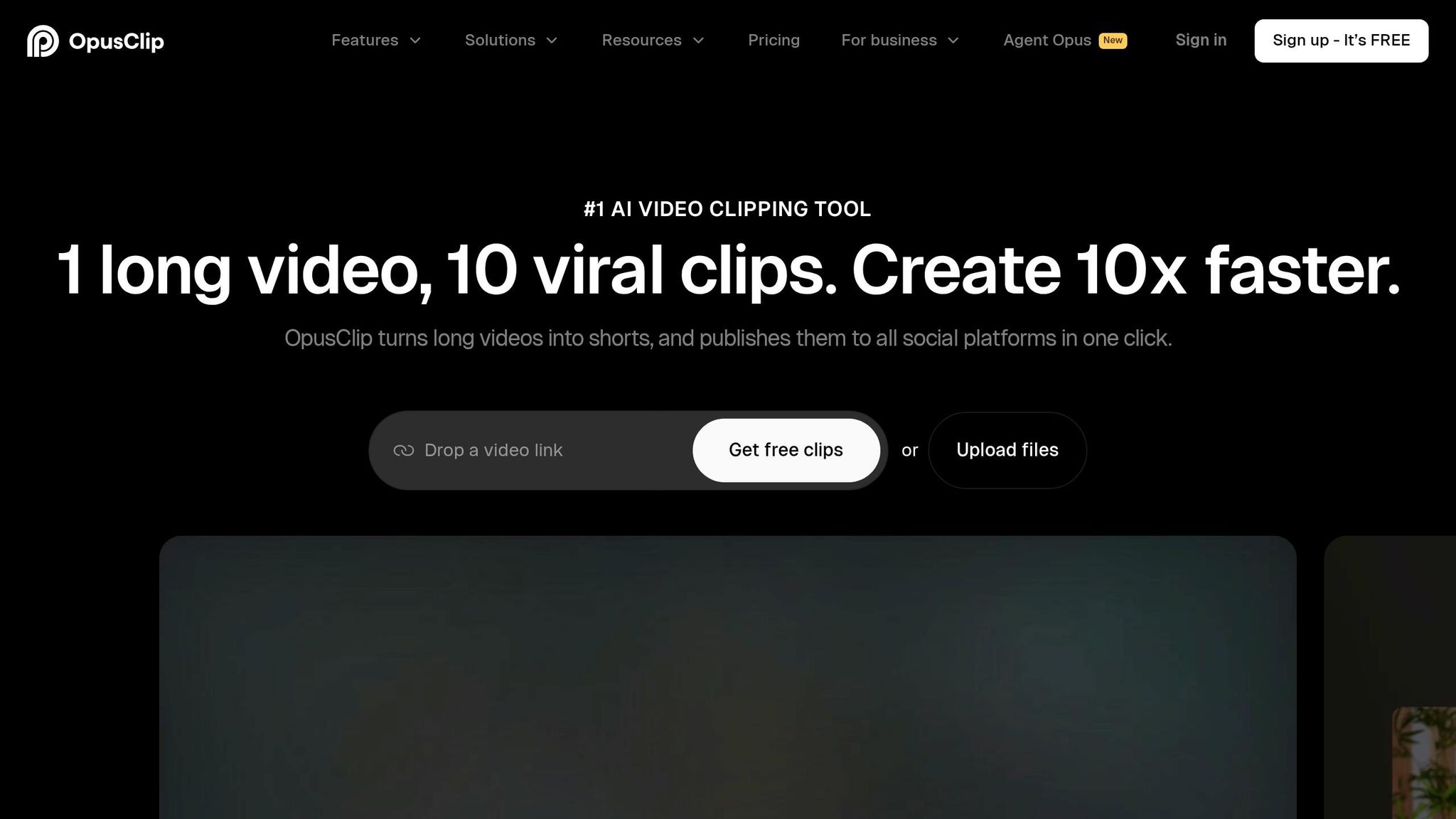
As LinkedIn continues to grow as a platform for professional engagement, video content is becoming a key player in driving visibility. OpusClip steps in as a powerful tool to transform long-form videos into LinkedIn-ready clips in no time. Powered by its ClipAnything AI Engine, OpusClip identifies the most engaging moments in webinars, interviews, and presentations by analyzing visual cues, audio tones, and audience engagement patterns with over 90% accuracy [17][19]. With over 12 million users creating 172 million clips, it has become a go-to solution for repurposing video content [17][21].
Key Features for LinkedIn Content Curation
OpusClip makes video editing for LinkedIn a breeze with features like AI Reframe with Object Tracking, which adjusts horizontal videos into LinkedIn-friendly 16:9 or 1:1 aspect ratios. This ensures speakers stay centered and visually appealing. Each clip receives a Virality Score (0–99), helping users gauge its potential based on hook quality and alignment with trends [17][18][21].
The platform also offers emoji-enriched captions with 95–97% accuracy and AI B-Roll, which automatically adds stock footage to enhance the storytelling experience [19][21][22]. Plus, you can manage your content seamlessly by scheduling and auto-posting clips directly to LinkedIn. Custom templates for logos, fonts, and color schemes ensure your brand stays consistent across all posts [20][21].
OpusClip processes a 60-minute video into ready-to-share clips in just 2 to 5 minutes, saving creators up to 200 hours of editing time each year [19]. The filler word removal feature polishes dialogue, making it perfect for professional, thought-driven content.
"OpusClip is the fastest way to turn a one-hour podcast or YouTube video into a month of short-form social content." - Unkoa Review [21]
Pricing Plans
| Plan | Price | Credits/Month | Key Features for LinkedIn |
|---|---|---|---|
| Free Forever | $0 | 60 mins | 1080p resolution, watermarked clips, 3-day storage [17][24] |
| Starter | $15/month | 150 mins | No watermark, Virality Score, basic editing [24][25] |
| Pro | $29/month ($14.50 billed annually) | 300 mins (3,600/year) | LinkedIn Scheduler, 1:1 aspect ratio, AI B-Roll, Team Workspace (2 seats), XML export [21][24] |
| Business | Custom | Custom | API access, SSO, dedicated support, unlimited seats [21][24] |
OpusClip uses a credit-based system where 1 credit equals 1 minute of video processed. The number of clips created doesn’t affect how many credits are consumed [21][23].
Use Cases on LinkedIn
In 2024, GitHub’s marketing team leveraged OpusClip to repurpose video content, gaining 30,000 YouTube followers in just three months [20]. SaaStr saw similar success, doubling its YouTube subscribers in two months by posting daily short-form videos created with the tool [20]. At Grant Cardone Enterprises, a social media marketer used OpusClip to transform historical video archives into viral shorts, doubling the team’s daily video output [20]. These examples highlight how repurposing video content can elevate visibility and engagement across platforms like LinkedIn.
For LinkedIn creators, the Pro plan offers critical tools like the LinkedIn Scheduler and the 1:1 aspect ratio, which are essential for maintaining a polished, professional feed [21][24]. Long-form content like webinars and panel discussions can be effortlessly turned into bite-sized clips, helping creators establish authority without the need for additional filming [20]. While OpusClip is excellent as a first-draft tool, some manual tweaks (about 20–40%) may be needed to align clips with your brand [21]. With its seamless integration into LinkedIn strategies, OpusClip is a valuable asset for building a strong digital presence.
7. Jasper Content Generation
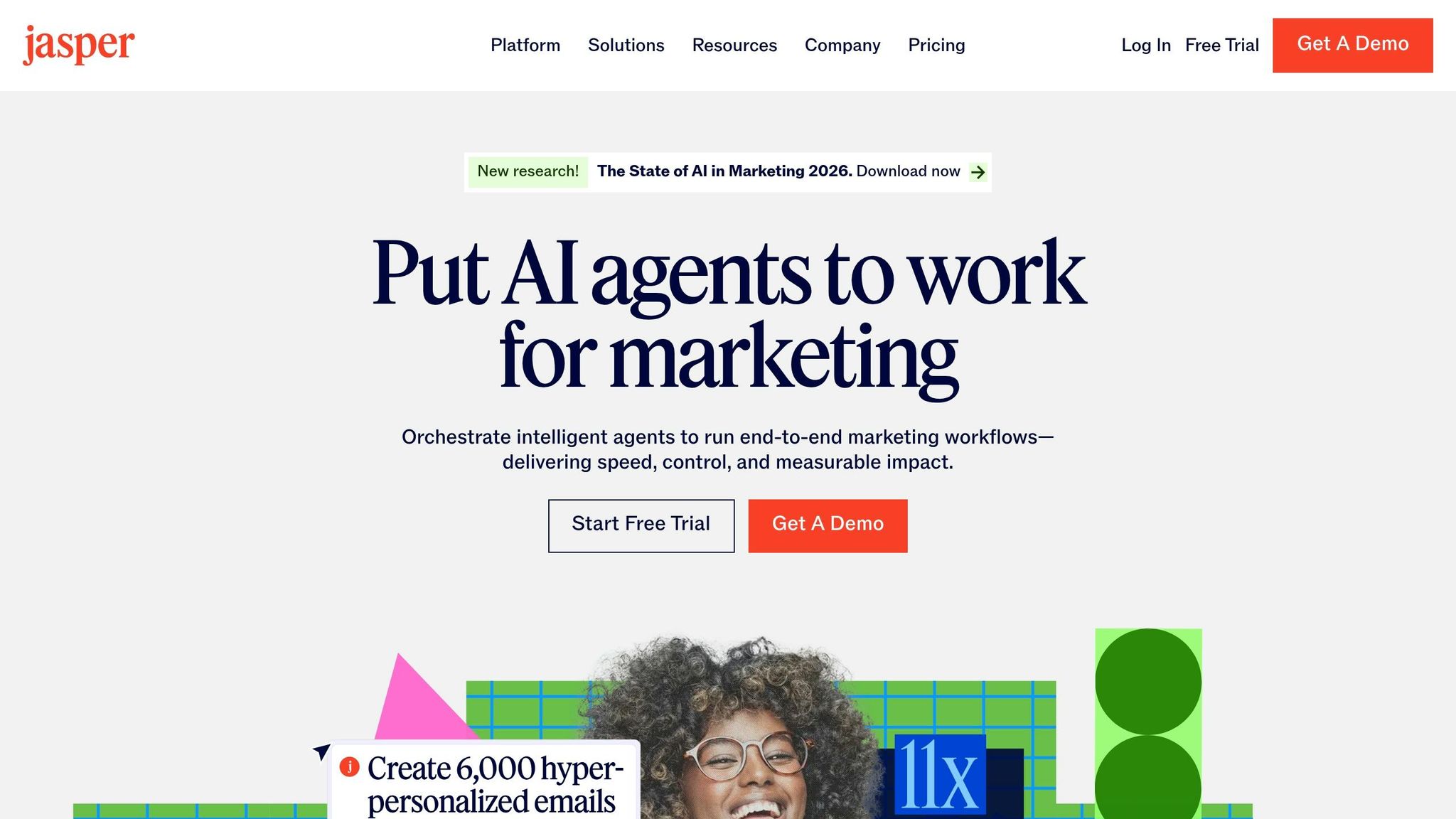
Jasper provides AI-driven writing solutions for LinkedIn, featuring two dedicated agents tailored for long-form articles and high-engagement posts [26][27]. With Jasper IQ, your brand voice, style guides, and audience data are seamlessly integrated into every post. It even creates polished visuals to enhance your LinkedIn content [28].
Key Features for LinkedIn Content Curation
Jasper's Knowledge Base Connectors automatically sync with external platforms like SharePoint, ensuring your LinkedIn posts reflect the latest company updates, pricing details, and positioning. The Brand Voice & Style Guides feature allows teams to establish detailed brand rules that Jasper applies during content creation. This flexibility supports varying needs, such as distinct guides for executives or sub-brands [28].
The Optimization Agent fine-tunes content for both traditional SEO and emerging AI-based discovery. As Mason Johnson, Technical Product Marketing Manager at Jasper, explains:
"Search today rewards usefulness, not just keywords" [28].
To improve authenticity, you can train Jasper with 10–20 high-performing writing samples, elevating its output quality from 5/10 to 8/10. Plus, the Chrome extension makes it easy to generate and refine content directly within LinkedIn [2][29]. With these advanced features, Jasper offers flexible pricing tiers to meet a range of business requirements.
Pricing Plans
| Plan | Price (Annual) | Price (Monthly) | Best For | Key Features |
|---|---|---|---|---|
| Creator | $39/month | $49/month | Individual marketers | One brand voice, SEO mode |
| Pro | $59/month | $69/month | Small teams (3+ users) | LinkedIn Article & Post Agents, collaboration |
| Business | Custom | Custom | Enterprises | Advanced governance, SSO, unlimited Knowledge Base |
While Jasper's pricing is higher than general AI tools like ChatGPT ($20/month), it includes specialized marketing templates and brand voice guardrails that generic assistants lack. However, some features, such as SEO mode and plagiarism checks, require additional subscriptions to tools like Surfer SEO and Copyscape.
Use Cases on LinkedIn
Jasper shines in executive ghostwriting, enabling marketing managers to maintain a unified brand voice across multiple profiles. It’s especially useful for B2B demand generation, where it helps craft POV-driven analyses on industry trends to nurture sales pipelines. Professional services firms also use Jasper to turn case studies into educational articles that inspire client trust.
For SaaS product launches, Jasper transforms technical feature descriptions into engaging, market-friendly narratives. Field marketing teams leverage the platform to craft compelling messages for webinars and events.
"The LinkedIn Article Agent elevates your professional presence by producing in-depth, insight-rich LinkedIn articles that engage industry peers and potential clients" [26].
Users have reported saving up to 40% of their content creation time by integrating Jasper into their workflows [3].
8. ContentStudio Content Discovery
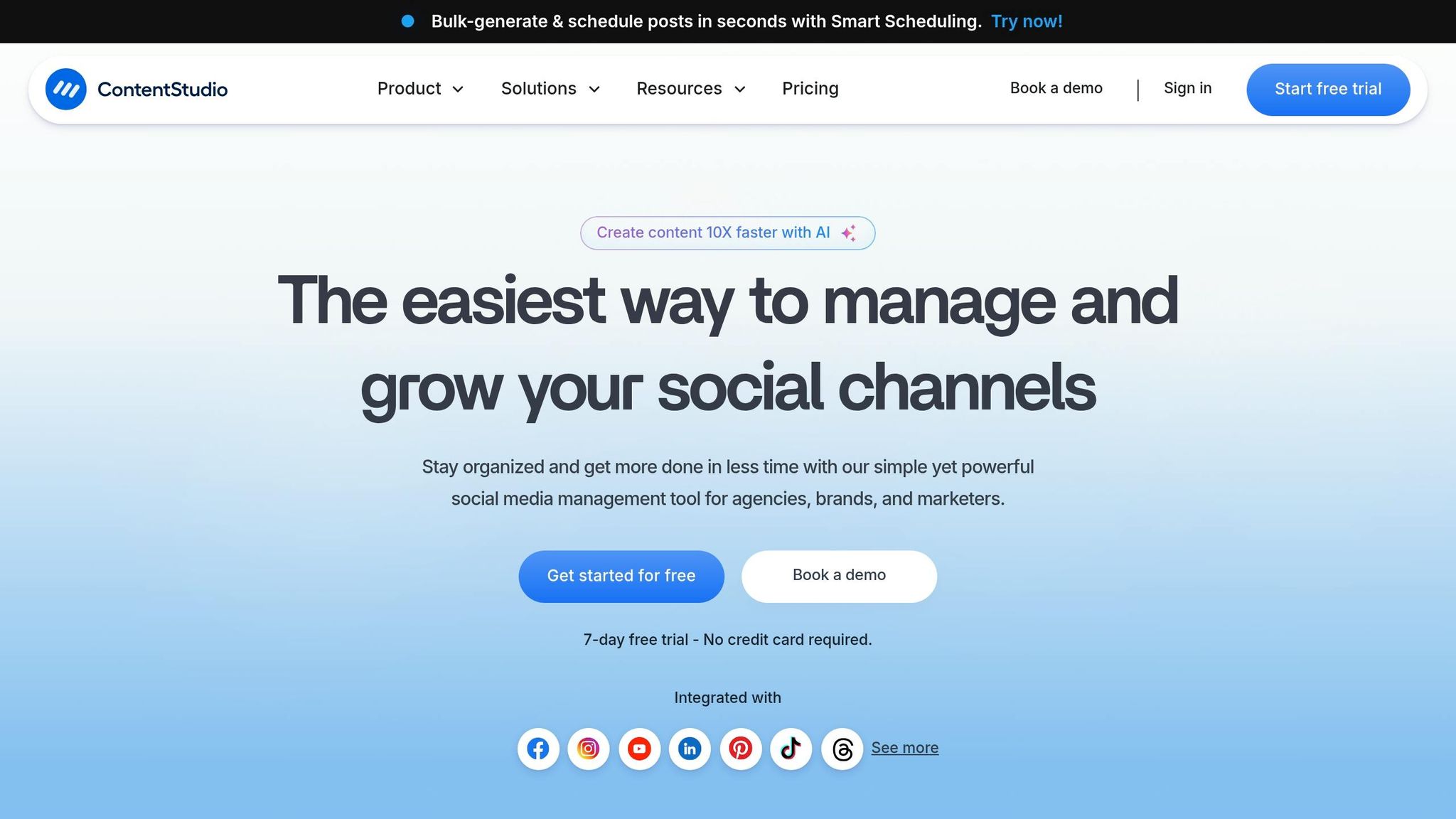
ContentStudio simplifies finding trending topics within your industry. Its Content Discovery Engine scours the web for popular topics, allowing you to search by industry keywords, trusted sources, or even virality scores [2][34]. This makes it easier to identify what’s capturing attention in your niche, so you can share it with your own spin and establish yourself as a thought leader.
Key Features for LinkedIn Content Curation
ContentStudio offers a range of features designed to boost your LinkedIn strategy:
- RSS and Feed Management: Add your favorite blogs using RSS URLs and organize them into custom groups [30][33]. Once set up, the platform can automate sharing from these feeds to LinkedIn or even recycle evergreen content, saving you time [33][34].
- AI Powerpack: This feature creates LinkedIn-ready captions, hashtags, and images from a single prompt or existing visual [30][31]. It also allows you to tailor posts by audience location, interests, or profession, and even tag companies directly [32].
- Unified Social Inbox: Consolidates all LinkedIn comments and messages into one view, complete with internal notes for team collaboration [30][31].
As marketing expert Neal Schaffer puts it, "ContentStudio.io is a powerful tool for driving thought leadership" [30].
Users have reported a 50% boost in productivity, saving 5 hours per week on planning and scheduling [30]. For agencies, the platform has cut social media management costs by over $12,000 annually [30].
Pricing Plans
| Plan | Monthly Price | Annual Price | Key Features |
|---|---|---|---|
| Starter | $25–$29 | $19–$20 | 1 user, 5 social accounts, basic scheduling, content discovery |
| Advanced | $49–$69 | $49 | 2 users, 10 social accounts, AI Writer, automation recipes, Social Inbox |
| Agency | $99–$139 | $99 | 5+ users, 25+ accounts, white-label reports, client management |
For LinkedIn-focused creators, the Advanced Plan is a strong choice, offering the Social Inbox for streamlined comment and message management [35][36]. Opting for annual billing can save you 20–30% compared to monthly rates.
With its mix of content discovery and scheduling features, ContentStudio is a valuable tool for improving your LinkedIn engagement strategy.
Use Cases on LinkedIn
The Modern Firm, a marketing agency led by Erin Ricchiazzi, used ContentStudio in 2025 to simplify client approvals and scheduling. They saved 5 hours per week on content planning while enhancing collaboration with clients [30]. Similarly, Qabiria, a language services provider, leveraged the platform to manage multi-platform posting and uncover new industry content. Marco Cevoli, the company’s Managing Director, found it indispensable for maintaining a consistent online presence and engaging effectively with their audience [30].
For professionals looking to grow their LinkedIn authority, the Discovery module is an excellent resource for finding trending content to share, complete with AI-generated captions [2][34]. Additionally, setting up Evergreen campaigns for top-performing posts ensures ongoing engagement without the need for manual rescheduling [30][33]. The platform even provides "Best Time to Post" insights, helping you connect with your audience when they’re most active [30][31].
Keep reading to learn about more tools that can transform your LinkedIn content strategy.
9. Shield Analytics for Performance Tracking
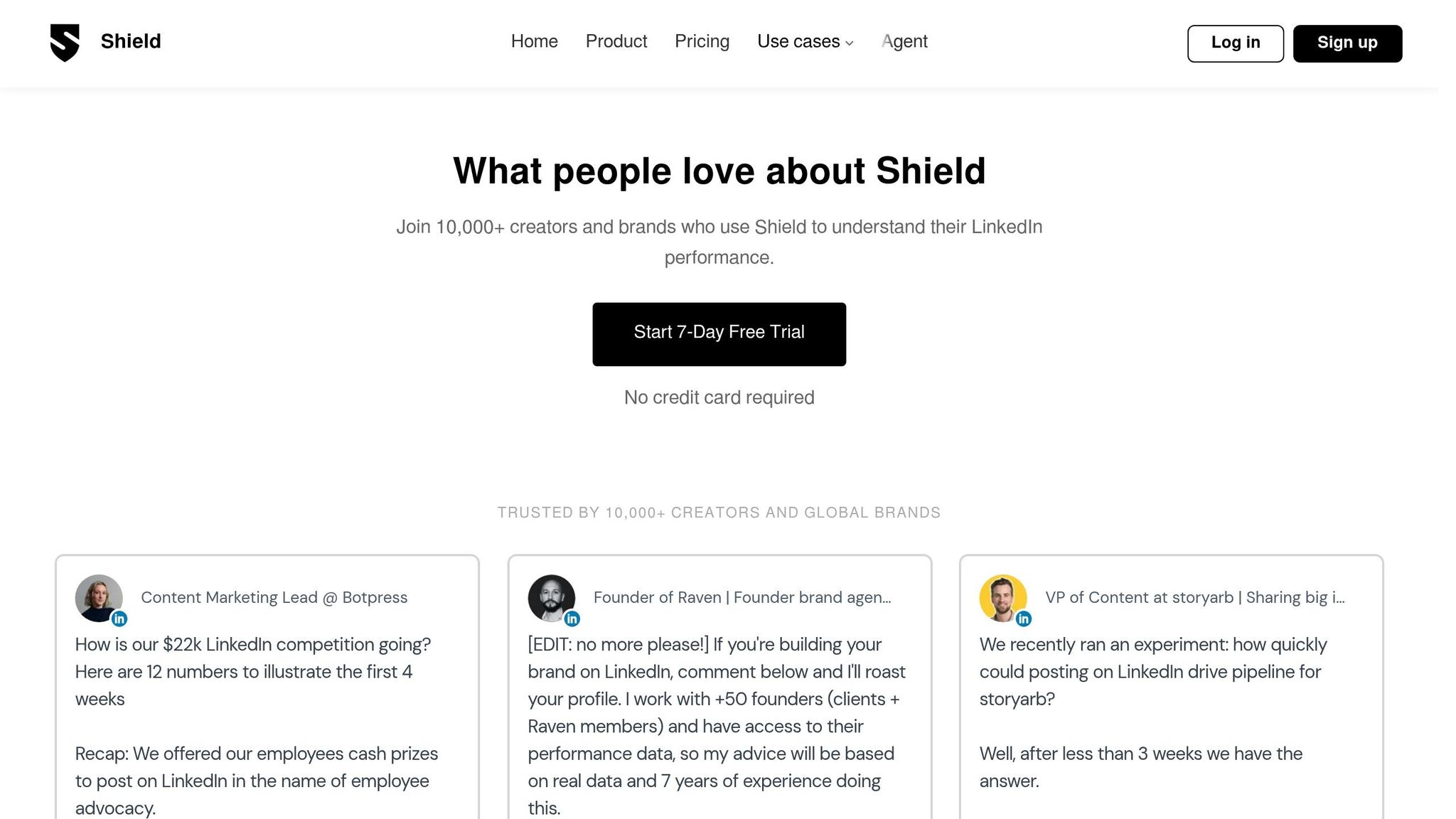
Shield Analytics is tailored for LinkedIn creators who want deeper insights into their content's effectiveness. Unlike LinkedIn's built-in analytics, which only provide limited historical data, Shield automatically saves every post you've ever published and tracks its lifetime performance. This means you can identify trends across months or even years, rather than being restricted to the last 30 days [38][39].
Key Features for LinkedIn Content Curation
One of Shield's standout tools is Shield Agent, an AI assistant that allows you to query your data in plain English. Forget about manually combing through stats - just ask, "What do my top 10 posts have in common?" and get immediate insights. It highlights successful hooks, content formats, and audience details, such as job titles, industries, and locations, helping you target decision-makers effectively [38][39].
Another powerful feature is Shield's content categorization system. You can tag posts by themes or formats - like "thought leadership" or "tactical advice" - to compare how different strategies perform [41]. The platform even analyzes your posting history to recommend the best times to publish, tailored specifically to your audience [2][41]. With over 10,000 users across 50+ countries and a 4.4/5 rating on Chrome, Shield has become a trusted tool for LinkedIn creators who are serious about tracking performance [37][38].
Pricing Plans
Shield keeps its pricing simple:
- Starter Plan: $8/month for basic performance tracking [2][41].
- Creator Plan: $16/month for advanced analytics and growth tracking [2].
- Personal Plan: $25/month for full access to the analytics dashboard and Shield Agent AI [38][39].
For teams and agencies, the cost is $25 per profile per month, which includes shared dashboards and role management features [38]. Discounts automatically apply to accounts managing 10 or more profiles, and there's a 7-day free trial with no credit card required [38][40].
Use Cases on LinkedIn
Shield Analytics equips creators with tools to fine-tune their LinkedIn strategies. For example, you can use the tagging system to group posts by "Funnel Intent" - such as Awareness, Trust, or Conversion - and measure which types of content deliver actual business results instead of just vanity metrics [41]. The "Job Titles" section helps ensure your content is reaching the right audience, like potential clients or decision-makers, rather than just peers in your industry [38]. And with Shield Agent, you can quickly identify trends in your best-performing posts, saving time and effort [38]. Setup is quick and seamless - data typically starts flowing within two minutes of connecting your LinkedIn account [38][40].
10. HeyGen AI Video Creation
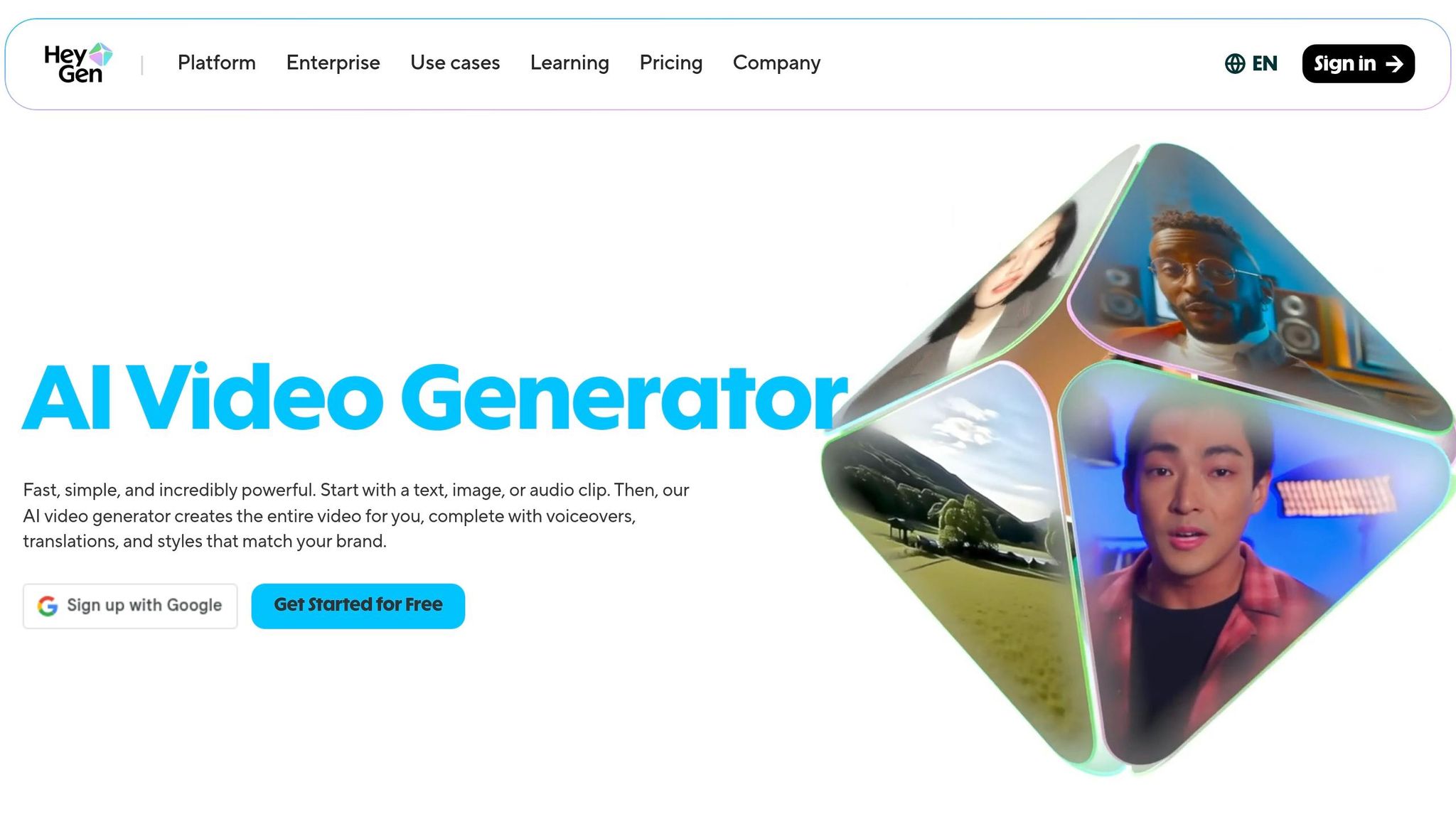
HeyGen changes the way professionals craft video content for LinkedIn by swapping traditional filming with AI-driven avatars. Instead of spending hours shooting footage, you can create a digital version of yourself from a quick 2-minute recording. The AI captures your gestures, expressions, and speaking style, enabling you to produce personalized videos without additional filming [43].
Key Features for LinkedIn Content Curation
The Instant Avatar feature is perfect for busy professionals. With just one recording, HeyGen generates a digital twin that can deliver any script you provide. It takes less than 5 minutes to render a 2-minute video [43]. Plus, with support for over 175 languages and advanced lip-sync capabilities in 40+ languages, a single English video can be easily adapted for global audiences without the expense of dubbing [42][43].
HeyGen also offers 300+ voices and over 100 customizable templates [43]. Videos are exported in LinkedIn’s preferred 16:9 horizontal format, and you can integrate your brand kit - including logos, colors, and fonts - for consistent branding. The new Streaming Avatars feature, launched in early 2026, allows real-time interactive video experiences, making it ideal for LinkedIn Live events [43]. These features are accessible through simple pricing plans.
Pricing Plans
HeyGen’s pricing is straightforward, with four options available:
- The Free Plan includes 3 videos per month, but they come with watermarks [42].
- The Creator Plan, priced at $29/month (or $24/month when billed annually), offers unlimited standard avatar video generation [42][43].
- The Business Plan, at $149/month, unlocks advanced features and higher credit limits [42].
- For large organizations, the Enterprise Plan provides custom pricing and API access for automated workflows [42].
Use Cases on LinkedIn
HeyGen’s capabilities allow LinkedIn creators to scale their video production without adding to their team. For example, you can batch-produce a week’s worth of thought leadership videos in a single afternoon by uploading multiple scripts [44]. It’s also great for personalized outreach - use it to create custom video messages for LinkedIn InMail that stand out from standard text communications [43]. Need to update product details or company messaging? Just tweak the script - no need for reshoots. Auto-generated captions, styled to match your brand, ensure your videos resonate with the many LinkedIn users who watch without sound [44].
Comparison Table
Below is a detailed look at the features, pricing, and best use cases for various AI tools, including Brandbase, designed to enhance your LinkedIn content strategy in 2026.
| Tool | Main Features | Pricing | Best Use Case |
|---|---|---|---|
| Brandbase | Custom landing pages, AI lead qualification, media placements, LinkedIn outreach campaigns, SEO blog posts | One-time $499 setup fee Subscription tiers: Essential: $99/month Pro: $499/month Starting at $18/month |
Comprehensive brand building with integrated content strategies and lead generation |
| Post Planner Caption and Hashtag Generator | AI-generated captions, hashtag suggestions, scheduling automation | Free plan available Paid plans start at ~$3/month |
Quick and efficient caption creation and hashtag optimization for regular posting |
| Taplio LinkedIn-Specific AI Generator | Viral content ideas, automated carousel creation, lead generation from top-performing posts | Free trial available Annual plans offer ~30% discount |
Perfect for creators focused on viral content and automated carousel production |
| AuthoredUp LinkedIn Text Editor | Advanced formatting (bold, italics), mobile previews, post design optimization | 7- to 14-day free trial Monthly and annual plans available |
Best for writers who prioritize formatting precision and aesthetic control |
| ChatGPT Content Assistant | Quick ideation, hook brainstorming, draft creation from prompts | Free plan available Premium plans for advanced features |
Ideal for rapid brainstorming and generating drafts from specific prompts |
| OpusClip Video Editor | Repurposes long-form videos, auto-captions, selects key clips | Free trial available Tiered pricing options |
Great for turning long-form content into LinkedIn-ready video clips |
| Jasper Content Generation | Multi-format content creation, brand voice consistency, templates | Monthly and annual subscriptions Enterprise options available |
Designed for scaling content production while maintaining brand voice consistency |
| ContentStudio Content Discovery | Content curation, trend spotting, scheduling automation | Free trial (7- to 14-day) Tiered subscription options |
Excellent for discovering trending topics and scheduling LinkedIn posts |
| Shield Analytics for Performance Tracking | Engagement metrics, audience insights, performance tracking | Monthly and annual plans Enterprise pricing available |
Best for monitoring engagement velocity and optimizing post performance in the first hour |
| HeyGen AI Video Creation | Instant avatars, 175+ languages, 300+ voices, brand kit integration | Free: 3 videos/month with watermarks Creator: $29/month (or $24/month annually) Business: $149/month Enterprise: Custom pricing |
Ideal for producing videos at scale without additional filming or team resources |
Most of these tools provide 7- to 14-day free trials, making it easy to test their workflows before committing. Opting for annual billing often cuts costs by up to 30% compared to monthly plans. Considering LinkedIn's algorithm in 2026 emphasizes engagement velocity within the first 60 minutes [1], combining content creation tools with analytics platforms can help fine-tune timing and formats for better reach.
This table helps pinpoint which platform matches your LinkedIn strategy - let's dive deeper into how these tools can transform your approach.
Conclusion
AI tools have completely reshaped how professionals approach LinkedIn strategies in 2026. By cutting content creation time by 40%–80% [2][3], users are reclaiming valuable hours - 5 to 10 per week - that can now be spent on strategy, client work, or simply avoiding burnout.
But it’s not just about saving time. AI-driven optimization has been shown to increase engagement by up to 30% [3], and posting consistently (at least three times per week) can result in 3.5 times more profile views [2]. With organic reach dropping nearly 50% [1], leveraging AI tools has become a necessity for staying visible. As Richard van der Blom, a LinkedIn Algorithm Researcher, explains:
"The LinkedIn algorithm rewards conversation, not broadcasting. The more genuine replies your post generates, the wider it travels" [3].
The real power of AI lies in using it as a collaborator rather than a replacement. Tools that learn your unique voice, repurpose content from sources like webinars or meeting notes, and streamline batch creation for a week’s worth of posts ensure consistency without sacrificing authenticity. A simple rule, like including at least one sentence rooted in personal experience (the "I" statement rule), helps maintain a human touch in a sea of generic, AI-generated content [1].
Whether it’s turning voice notes into polished posts, creating visually engaging carousels without design expertise, or optimizing for the critical first 60 minutes of engagement, the right AI tools transform LinkedIn from a time-consuming task into a scalable platform for building your brand. The professionals thriving in 2026 aren’t just creating - they’re distributing content strategically, with the help of AI, and without adding to their workload.
For those looking to take their LinkedIn presence to the next level, Brandbase (https://brandbasehq.com) offers solutions that capture your authentic voice and turn it into impactful digital strategies, ensuring your content stands out and resonates with your audience.
FAQs
Which AI tool should I start with for LinkedIn?
Getting started with TeamPost is a smart move for LinkedIn users. Built specifically for teams and companies, this tool works as an AI assistant that aligns with individual voices, handles content management, and even posts directly to LinkedIn. It’s a great option for simplifying the process of creating and sharing content.
How do I use AI without sounding generic on LinkedIn?
To stand out on LinkedIn and avoid sounding like everyone else, consider using AI tools that align with your personal voice and style. Look for platforms specifically designed for professional content creation and LinkedIn optimization. While AI can save time, it’s important to review and tweak the generated posts to match your tone. Adding your personal insights not only makes your posts feel more genuine but also helps you connect better with your audience. Tools that are trained on successful content and adapt to your writing style over time can make your posts more engaging and relatable.
What should I track in the first 60 minutes after posting?
In the first hour after posting, keep a close eye on your engagement metrics. Pay attention to likes, comments, shares, and your overall reach. These numbers can give you a quick snapshot of how your audience is reacting and help you spot trends as they happen.
Related Blog Posts

Blog title heading will go here
Blog title heading will go here