
LinkedIn Profile Optimization: Service Professionals' Guide
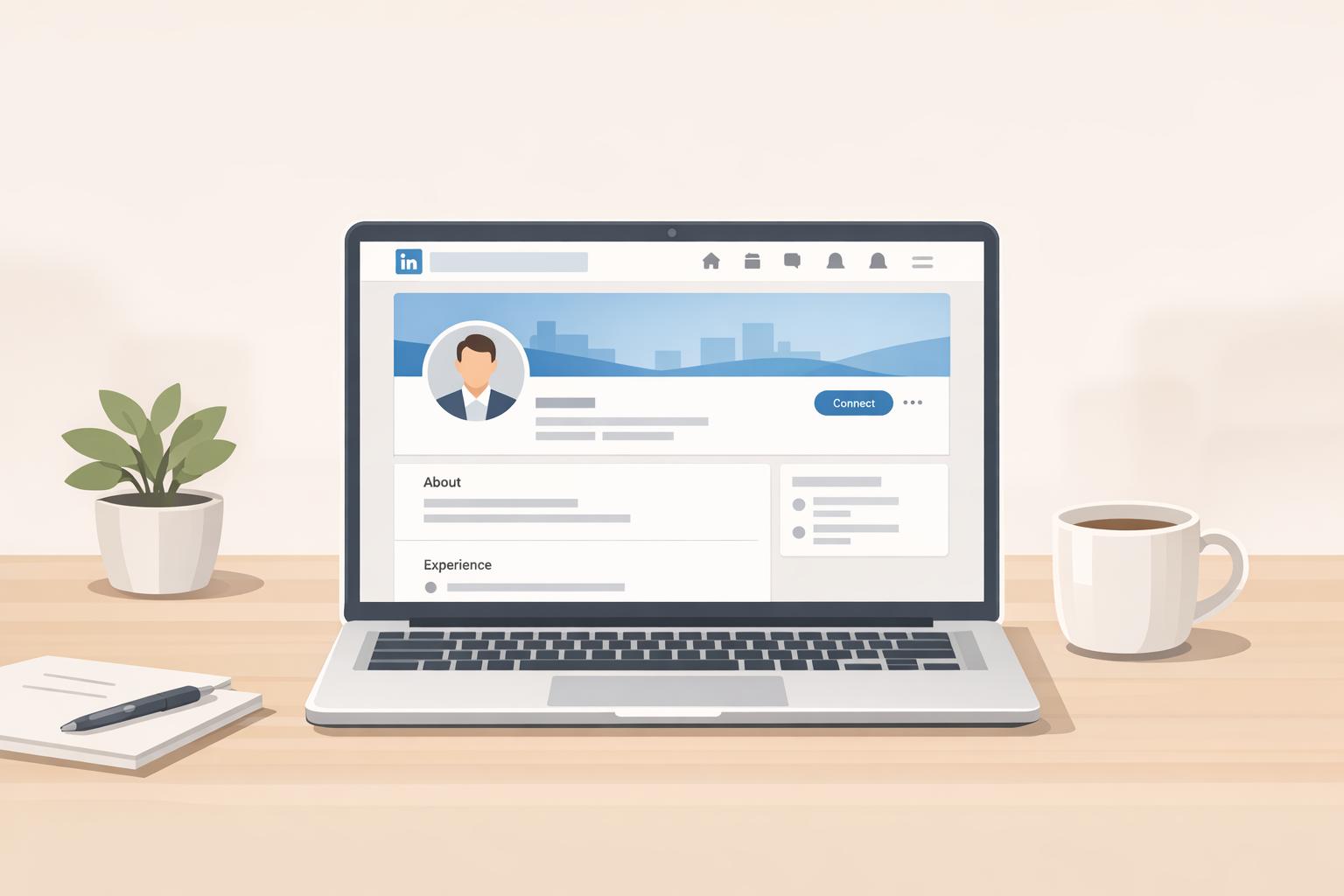
Your LinkedIn profile is more than a resume - it's your personal marketing hub. For service professionals like consultants and coaches, an optimized LinkedIn profile can attract high-value leads, build authority, and even rank among the top Google search results for your name. Here’s what you need to know:
- 72% of buyers check LinkedIn profiles before hiring.
- Profiles with professional photos get 14–21x more views.
- Using LinkedIn SEO can boost visibility in searches.
- Daily active users? 40% of LinkedIn members.
To stand out, focus on these essentials:
- Profile photo: Use a clear, high-quality image with a friendly smile.
- Banner: Create a custom banner that highlights your expertise and contact info.
- Headline: Craft a keyword-rich headline showcasing your value.
- About section: Write client-focused content with measurable results and a clear call to action.
- Experience section: Highlight achievements with specific metrics and attach supporting media.
Add credibility with skills, endorsements, and recommendations. Profiles with 10+ recommendations see more inbound messages. Use LinkedIn features like the Featured section and Creator Mode for lead generation, and consider tools like Brandbase to scale outreach efforts.
Want results? Regular updates and active engagement are key. With these steps, your LinkedIn profile can become a lead-generation machine.

LinkedIn Profile Optimization Statistics and Impact Metrics for Service Professionals
LinkedIn Profile Optimization Guide | How to Optimize Your LinkedIn Profile for Outreach
Profile Photos and Banners That Make Strong First Impressions
Your profile photo and banner are often the first things prospects notice about your online presence. These visuals set the tone for your credibility and can play a key role in turning visitors into leads.
Selecting Your Profile Photo
Your profile photo is your digital handshake, so it’s worth getting it right. Aim for your face to take up 60% to 70% of the frame, cropped from just above your head to the top of your shoulders [9][3][7]. Use a square image with a resolution of at least 1200x1200 pixels to ensure it looks sharp on high-resolution screens [3][9].
Lighting is crucial. Opt for soft, natural light from a window or an overcast day, and steer clear of harsh direct sunlight [9][10]. Skip the selfie - ask a colleague to use your phone’s rear camera, as it delivers better quality than the front-facing option [9][10].
Your expression can make or break your first impression. A study of 800 profile pictures revealed that smiles showing teeth were rated twice as likable as closed-mouth smiles [9]. Direct eye contact with the camera helps build trust instantly [3][10]. As LinkedIn's Paul Petrone puts it, sales professionals should aim for a photo that exudes "warmth, approachability, and credibility" [10].
Dress as you would for a client meeting - professional but not overly formal. A clean, simple background with subtle brand colors can enhance your image without distracting from it [9][3][10]. And don’t forget to keep your photo up to date. If you’ve changed your hairstyle or started wearing glasses, make sure your profile picture reflects your current look [9][10].
Once your photo is polished, turn your attention to your banner to further elevate your profile.
Creating an Effective Banner
Think of your banner (1584x396 px) as your personal billboard. It’s a chance to showcase your value proposition and grab attention. A well-designed banner can boost profile conversion rates by 25%, yet many people stick with LinkedIn’s default background, signaling a lack of effort [11][13].
Your banner should pass the five-second test: within moments of landing on your profile, visitors should understand what you do, who you serve, and why it matters [12]. Use this space to feature your value proposition, brand colors, contact information, or proof of expertise, such as company logos, media mentions, or certifications [12][14].
Jill Konrath, a bestselling author, uses her banner to highlight her public speaking skills with a high-quality photo of herself presenting at LinkedIn Sales Connect [1].
LinkedIn expert Viveka von Rosen includes her business logo, her published books, and direct contact information, transforming her banner into a digital business card [1].
To maximize visibility, place key text and logos in the center or top-right of the banner, avoiding the bottom-left area where the profile photo overlaps [13][1]. Use clean, legible fonts like Arial or Helvetica, and stick to a limited palette of two or three brand colors to keep it visually appealing [13]. After uploading, test your banner on both desktop and mobile to ensure nothing important gets cropped out [13].
| Element | Best Practice | Why It Works |
|---|---|---|
| Resolution | 1584 x 396 px (up to 4000 x 4000 px allowed) | Ensures sharp visuals on any device [12][13] |
| Safe Zone | Central 1000 pixels for text/logos | Prevents overlap with your profile photo [13][1] |
| Content | Value proposition + contact info or proof of expertise | Turns your banner into a lead-generating tool [11][13] |
| Updates | Refresh for campaigns or milestones | Keeps your profile dynamic and relevant [13] |
With your photo and banner in place, you’ll be ready to refine other key profile sections to drive even more leads.
How to Optimize Key Profile Sections for Lead Generation
Now that your visuals are ready, it’s time to focus on the sections that truly matter for converting visitors into leads. The headline, About section, and Experience section are where potential clients or employers decide if they should connect with you - or move on.
Writing a Keyword-Rich Headline
Your headline is the first thing people notice and one of the most searchable elements on LinkedIn. With 220 characters to work with, use this space wisely. A strong headline not only boosts your visibility but also entices people to click.
Skip the generic job title. Instead, craft a headline that highlights your value. Try formulas like:
"I help [target audience] achieve [result] through [method]" or "[Role] at [Company] | Delivering [Result] for [Target Audience]"[14][15].
Make sure your most important keywords - like "Digital Marketing Specialist" or "Data Scientist" - appear near the beginning to improve your ranking on LinkedIn and Google searches.
"Your profile headline is your own personal ad... treat it like a mission statement - encapsulating who you are and why people should connect with you."
- Sid Lipsey, Internal Communications Leader, LinkedIn [16]
Use the vertical bar (|) for readability and avoid overused buzzwords like "strategic" or "proven track record." And don’t forget to check how your headline looks on mobile - ensure the critical details aren’t cut off.
Once your headline grabs attention, the next step is to craft an About section that keeps visitors engaged.
Creating a Client-Focused About Section
Your About section isn’t a personal biography - it’s a strategic tool designed to highlight your value. Think of it as a story with four key parts: describe the Problem your clients face, explain your Solution, share Proof of your success, and end with a clear Call to Action[14].
Write in the first person to make your profile feel approachable and trustworthy. Keep it concise - between 180 and 260 words - for easy readability on mobile. Use short paragraphs or bullet points to break up the text, and include 12–20 relevant keywords to improve search visibility.
"Your About section is the highest-leverage real estate on LinkedIn. It determines whether a recruiter shortlists you, a buyer trusts you, or a collaborator opens a conversation."
- Harshit Agarwal, Profile Optimization Expert [17]
Quantify your results with 2–5 bullet points. Include measurable achievements like percentage increases, revenue growth, or efficiency improvements. Add credibility by mentioning certifications, awards, or notable clients. Wrap it up with a direct call to action, such as "Message me to discuss your goals" or "Schedule a consultation via the link in my Featured section." Regular updates to your About section ensure it reflects your latest accomplishments and offerings, keeping it fresh and relevant[17][7].
Showcasing Results in Your Experience Section
Your Experience section isn’t just a job history - it’s where you prove your value. Lead with outcomes: start each entry by highlighting what you achieved, then explain your role[14]. Use specific metrics - like revenue growth, percentage improvements, or time savings - to back up your claims[7].
"Focus on the customer. 'I close million-dollar deals' is good for a resume, but 'I save clients millions of dollars' is better if you're not in the job market."
- Alex Hisaka, B2B Content Marketing and Copywriting, LinkedIn [1]
For each role, include 2–4 bullet points that detail measurable results. Highlight the tools, strategies, or methods you used to achieve them[7]. Add extra credibility by attaching rich media like case studies, whitepapers, or videos[1][15]. Link your roles to their official LinkedIn company pages to display logos and enhance your profile’s professional appearance[4]. If applicable, create entries for top clients and link to their profiles to showcase specific projects and results[4].
Finally, clean up your Experience section by removing outdated or irrelevant roles that don’t align with your current brand. Well-written, results-driven entries can keep visitors on your profile longer - a factor LinkedIn considers when ranking profiles in search results[4].
sbb-itb-f7e72a6
Building Trust Through Skills, Endorsements, and Recommendations
Your LinkedIn profile's credibility isn't just about what you claim - it’s about what others can confirm. Profiles with at least five skills are almost three times more likely to receive connection requests, while those with 10 or more recommendations see a notable increase in clicks, views, and inbound messages[18][3]. The key is to focus on showcasing skills and endorsements that align with your professional niche.
Choosing the Right Skills to Display
When listing your skills, aim for 20–30 that are directly relevant to your niche and the type of clients or opportunities you want to attract[7][5]. LinkedIn allows you to highlight your top three skills, so select those that best represent your expertise and make the strongest impact[19]. Avoid overly broad terms like "Leadership" or "Microsoft Office" - these are too generic to stand out. Instead, prioritize specific, high-value phrases like "Strategic Selling Skills" or "Leadership Development" to improve your authority and visibility in search results[6].
"A long list of skills that aren't really core to who you are and what you do can start to feel unwieldy. Take time for a spring clean of your skills list every now and then."
- Jane Deehan, Award-winning B2B Marketer, LinkedIn[18]
Organize your skills to align with LinkedIn's "Skills Graph", as this increases your chances of appearing in recruiter searches[7]. Regularly review and update your skills to remove outdated ones and ensure your profile reflects your current strengths[18]. And don’t forget to endorse others - especially those whose work you genuinely admire - since endorsements often encourage reciprocation[5].
Getting Recommendations That Matter
Once you’ve fine-tuned your skills, recommendations can add the finishing touch to your profile’s credibility. Think of these as digital testimonials that help turn prospects into leads[4][3]. However, not all recommendations are equal. The most impactful ones are specific, detailing how you solved a problem, delivered results, and why your contributions stood out[1].
"A testimonial from a satisfied client is priceless for salespeople. Most people are happy to give a recommendation if asked."
- Alex Hisaka, B2B Content Marketing and Copywriting, LinkedIn[1]
When reaching out for recommendations, personalize your requests. Mention specific projects or achievements you’d like highlighted, and provide a few bullet points to guide their feedback[1][6]. This not only makes it easier for them but also ensures their recommendation is meaningful and relevant. Encourage them to use industry-specific keywords to enhance your profile’s visibility in searches[4]. Aim for at least three strong recommendations, with at least one being recent - within the last 12–18 months - to demonstrate your current relevance[7][5]. Offering to write a recommendation in return can also motivate others to support your profile[5][6].
LinkedIn Features That Attract and Convert Leads
An optimized LinkedIn profile is just the beginning. To truly turn profile visitors into potential clients, you need to take advantage of LinkedIn's built-in tools. When used strategically, these features can help you attract and convert leads with ease.
Using the Featured Section Effectively
The Featured section is like your personal sales pitch, sitting right below your About section. It's one of the first things visitors notice, making it a prime spot to showcase what you bring to the table. Think of it as a space to highlight your expertise and guide visitors toward taking action. Include items like your main offer, a free resource, or even a glowing testimonial.
"The goal is to move people closer to working with you or learning from you."
- Diandra, LinkedIn Strategist, HeyReach [14]
Instead of sending visitors to your general homepage, direct them to specific funnel links with custom headlines and eye-catching images. For example, a "Free 30-Minute Strategy Session" link paired with a professional thumbnail often performs much better. Data shows that Featured items with direct landing page links can achieve conversion rates of around 20%, compared to just 1–2% for standard website URLs [3]. To make the most of this section, ensure your thumbnails are high-quality and that your headlines are mobile-friendly.
Turning On Creator Mode and Building a Content Strategy
Creator Mode is a game-changer for boosting your visibility. It lets you add a customizable profile link and highlight hashtags that align with your niche. Pair this with a solid content strategy - like a mix of 35% growth-focused posts, 35% authority-building content, and 30% conversion-driven updates - to maximize your reach. Native videos and targeted hashtags are especially effective, as LinkedIn's algorithm tends to favor them.
If you're a Premium user, you can also add custom action buttons like "Visit my store" or "Sign up for a demo." These buttons make it easier for visitors to take the next step.
When selecting hashtags, focus on ones that define your expertise, such as #B2BLeadGeneration or #FinancialPlanning. And don't underestimate the power of video. A short, engaging video that addresses a common challenge and ends with a clear call-to-action - like "Message me for a custom quote" - can significantly boost engagement and spark conversations [4].
By combining these features with a consistent content strategy, you lay the groundwork for scalable outreach.
Scaling Your LinkedIn Outreach with Brandbase
Once your profile is optimized and your content strategy is in place, tools like Brandbase can take your lead generation efforts to the next level. While manual outreach can work, it often lacks scalability. This is where Brandbase's Pro Plan steps in.
Brandbase automates your outreach by targeting prospects based on criteria like role, company size, and activity. It ensures your messages feel authentic by using insights from in-depth interviews to craft personalized sequences. Plus, the Pro Plan includes unlimited landing pages, allowing you to create dedicated pages for different offers or lead magnets that you can link directly from your Featured section.
But that's not all. The Pro Plan also provides six PR placements every two months and nine SEO-optimized blog posts per month. These elements drive external traffic back to your LinkedIn profile and landing pages, creating a powerful cycle: your content attracts visitors, your profile converts them into leads, and your outreach campaigns keep the momentum going. With Brandbase, you can turn your LinkedIn profile into a lead-generation powerhouse, all while saving time and effort.
Conclusion: Key Takeaways for LinkedIn Profile Optimization
Your LinkedIn profile isn't just a static page; it's a powerful tool for generating leads and building professional connections. Take the example of Nick Verity, who, in July 2025, helped a client transform their LinkedIn experience. After four years of no inbound inquiries, a complete profile overhaul resulted in seven leads in just two weeks - one of them worth $250,000 [22]. This success underscores the importance of the strategies we've discussed.
The basics are non-negotiable. A polished headshot, a custom banner, and a headline focused on delivering value are essential for making a strong first impression. These elements can turn casual viewers into valuable connections. Even small changes, like adding core skills to your profile, can increase your chances of receiving connection requests by nearly three times [8].
But optimization doesn’t stop at setup. Staying active on the platform - whether through posting content, engaging in discussions, or participating in groups - keeps your profile visible. In fact, active profiles see 45% more lead opportunities [2].
"The LinkedIn profile page is the foundation for your personal branding... we regularly add features to increase its capabilities as a personal marketing platform." - Jane Deehan, Award-winning B2B Marketer, LinkedIn [8]
Next Steps to Implement
Now's the time to put these strategies into action. Start with high-impact updates: refresh your profile photo and banner, craft a headline that includes relevant keywords and measurable outcomes, and enable Creator Mode for greater visibility [21]. Tidy up your skills section by removing outdated entries and pinning your top three most relevant skills [8]. Reach out to past clients for personalized recommendations - give them specific examples of the results you achieved to make it easier for them [20].
Make it a habit to review your profile every two weeks. Update your banner, add recent certifications, and ensure your profile URL is clean and professional (e.g., "firstname-lastname") for better visibility [8]. Remember, LinkedIn drives over 50% of all social traffic to B2B websites. A well-optimized profile serves as the central hub for all your professional efforts [23].
FAQs
How can I optimize my LinkedIn profile to improve visibility and attract leads?
Optimizing your LinkedIn profile is all about making it more visible to the right audience - whether that's recruiters, potential clients, or industry peers. This strategy, often called LinkedIn SEO, focuses on using the right keywords and crafting a profile that not only ranks higher in LinkedIn search results but also turns profile views into real opportunities.
Start by identifying keywords relevant to your industry or expertise, like "digital marketing consultant" or "small business strategist". Incorporate these naturally into key sections of your profile, including your headline, summary, and experience. Your headline is prime real estate - use its 220-character limit to spotlight your role and the value you bring. In your summary, aim to tell a cohesive story that weaves in those keywords seamlessly. Don’t forget to customize your profile URL to make it clean and professional, ideally reflecting your name or brand. Also, complete every section of your profile, from skills and certifications to projects, as these details play a role in boosting your visibility.
You can take things a step further by adding rich media to your profile, such as videos, presentations, or portfolios. Make sure these files have keyword-optimized names and descriptions. Regularly posting articles or updates on topics relevant to your field can also signal to LinkedIn’s algorithm that you’re engaged and active in your niche. Additionally, endorsements, recommendations, and interactions on your posts can act as social proof, further enhancing your profile’s appeal and ranking.
For those who want a hands-off solution, Brandbase offers services tailored to optimizing your LinkedIn presence. They’ll help you showcase your expertise through interviews, create personalized content, and even run AI-powered outreach campaigns to boost your visibility and attract quality leads.
How can I create an effective LinkedIn headline?
Your LinkedIn headline is one of the most important ways to grab attention and attract potential leads. Think of it as your personal pitch - a snapshot that tells people who you are, what you do, and the value you bring. Instead of just stating your job title, combine your role, expertise, and the outcomes you deliver. For example: "Revenue Growth Consultant | Helping SaaS founders double ARR in 12 months."
Here’s how to make your headline stand out:
- Keep it short (under 220 characters) and include keywords your audience is likely searching for.
- Use strong action verbs and relevant terms like "scale", "optimize", or "lead generation."
- Emphasize measurable results or qualities that make you different.
If you’d prefer expert help, Brandbase can create a professional, keyword-rich headline that captures your voice and enhances your profile’s impact.
How can I use LinkedIn's Featured section to attract and convert leads?
The LinkedIn Featured section is a golden opportunity to grab attention and turn profile visitors into leads. Use this space to spotlight impactful content like short video testimonials, case studies with measurable outcomes (think “300% ROI”), or links to valuable resources such as guides or landing pages. Make sure each piece includes a clear and actionable CTA, like “Schedule a call” or “Download the guide”, to nudge viewers toward taking the next step.
To get the most out of this section, organize your Featured items with intention. Kick things off with a compelling video that establishes credibility, follow it up with a case study showcasing tangible results, and wrap it up with a resource designed to drive action. Keep your profile fresh by regularly swapping in new content, whether it's a recent client success story or a timely seasonal offer.
Don’t forget to track how your content performs. LinkedIn’s analytics can help you measure clicks and impressions, giving you insights to fine-tune your strategy. Experiment with different headlines, thumbnails, or content arrangements to see what resonates most. A well-maintained Featured section can turn your profile into a lead-generating powerhouse.
Related Blog Posts

Blog title heading will go here
Blog title heading will go here